Compositor Blur
On compositors that support the ext-bg-effect-v1 protocol (such as niri), DMS can ask the compositor to blur whatever sits behind its surfaces, bars, popouts, modals, notifications, and DMS's floating windows (Settings, Notepad, Process List, and friends).
Enabling
Toggle Background Blur under Settings → Personalization → Theme & Colors.
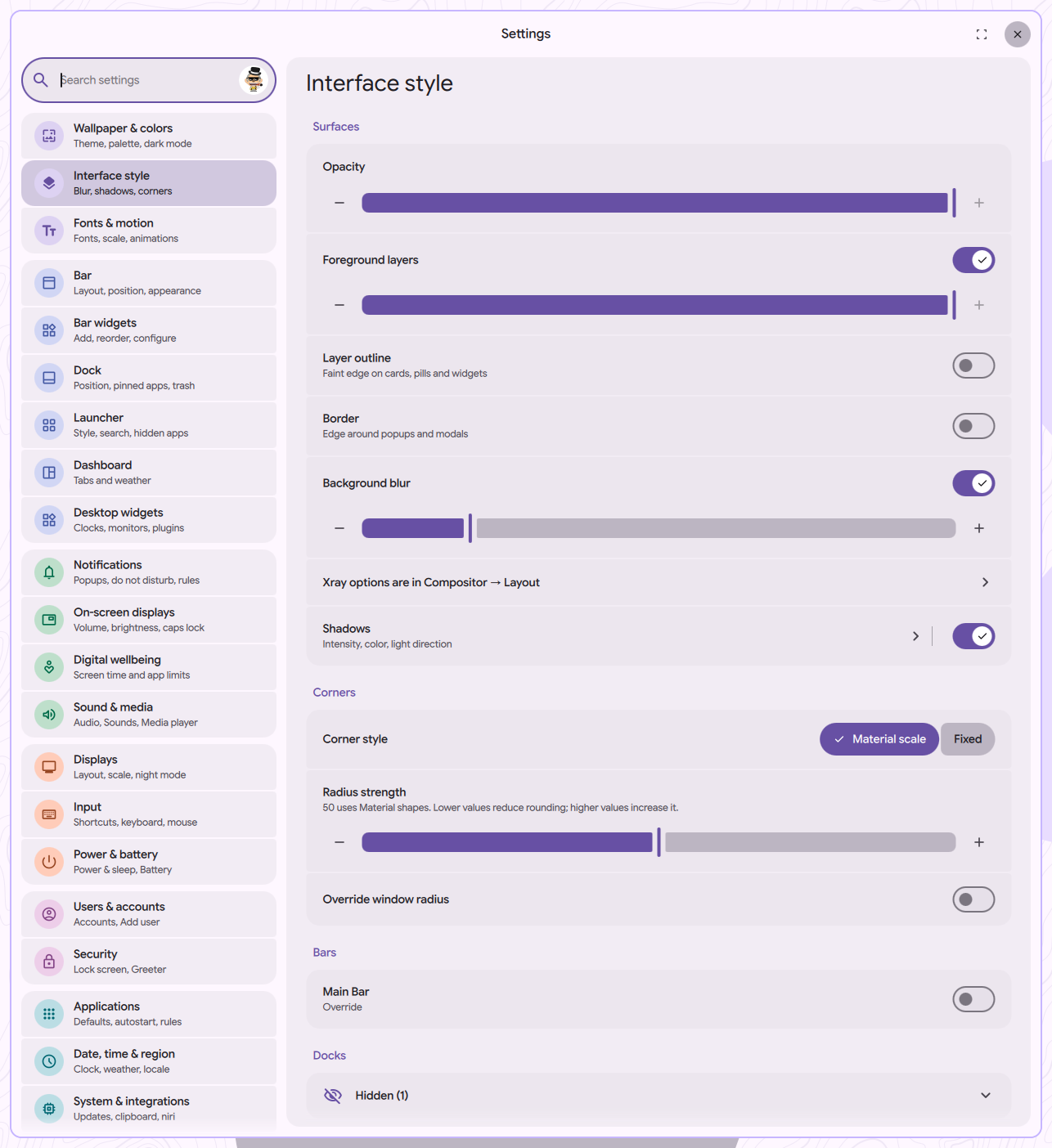
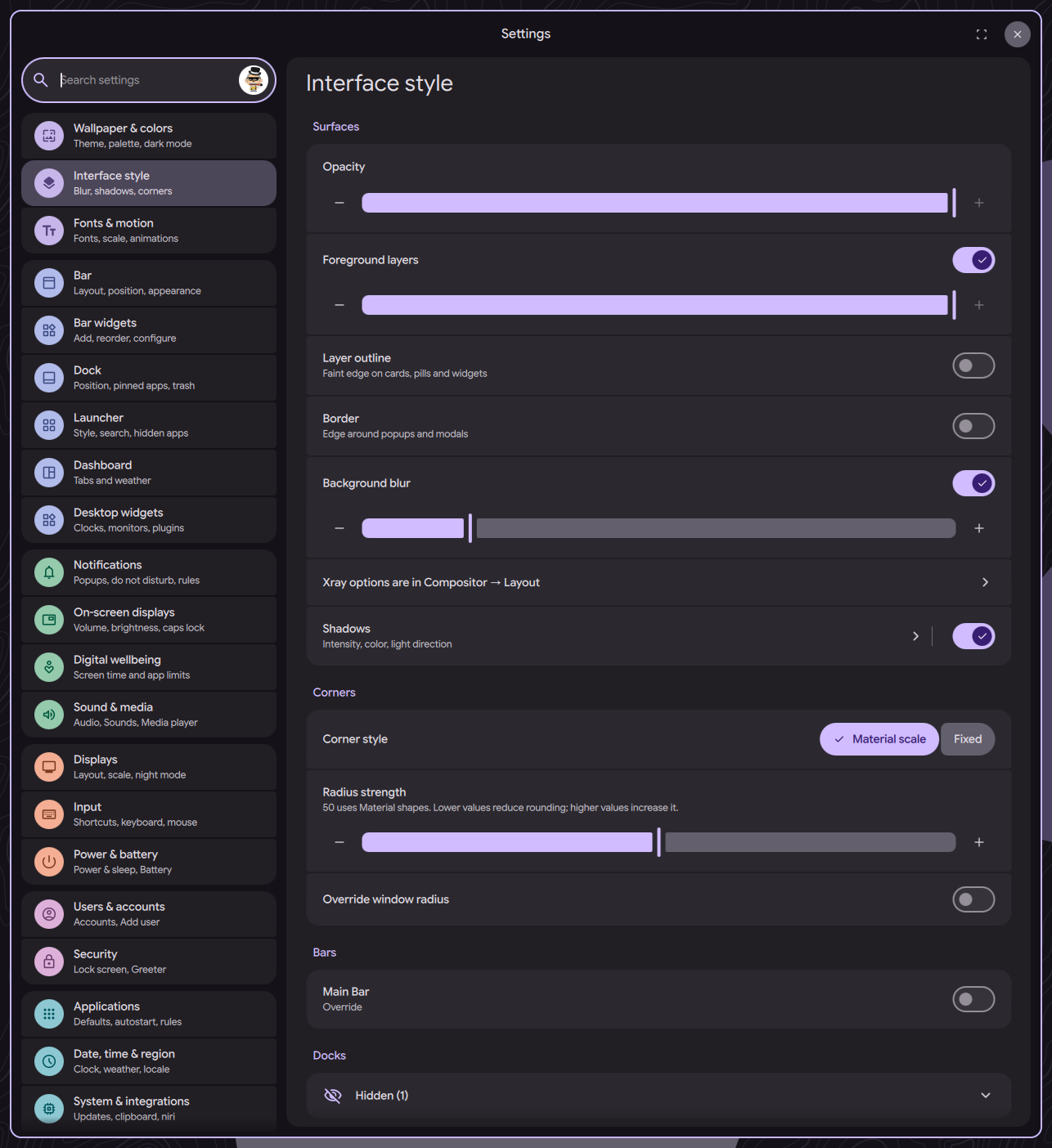
This requires compositor support. If your compositor doesn't implement ext-bg-effect-v1, the toggle has no effect.
On compositors without ext-bg-effect-v1 support — such as Hyprland — you may still be able to blur DMS surfaces via compositor-side layer rules. See Layer Namespaces for per-namespace blur examples.
Making It Visible
Blur only shows through transparent pixels. Lower the opacity on the surfaces you want to see through. You can change this in Theme & Colors → Surface Styling → Surface Opacity for shell surfaces and popouts, or Theme & Colors → Floating Windows → Window Opacity for DMS's floating windows. Fully opaque surfaces will look the same as before.
Blur Border
Surfaces with rounded corners can look a little rough along the edge where the blur meets the radius. The Blur Border Color and Blur Border Opacity options paint a subtle outline that smooths out those edges — recommended if you're using any corner rounding.