Getting Started
Dux Labs
Getting Started
Welcome to Dux! This guide will help you get started with installing and configuring the Dux suite on your system.
Quick Installation
The fastest way to get started is with our one-line installer:
curl -fsSL https://install.duxlabs.dev | sh
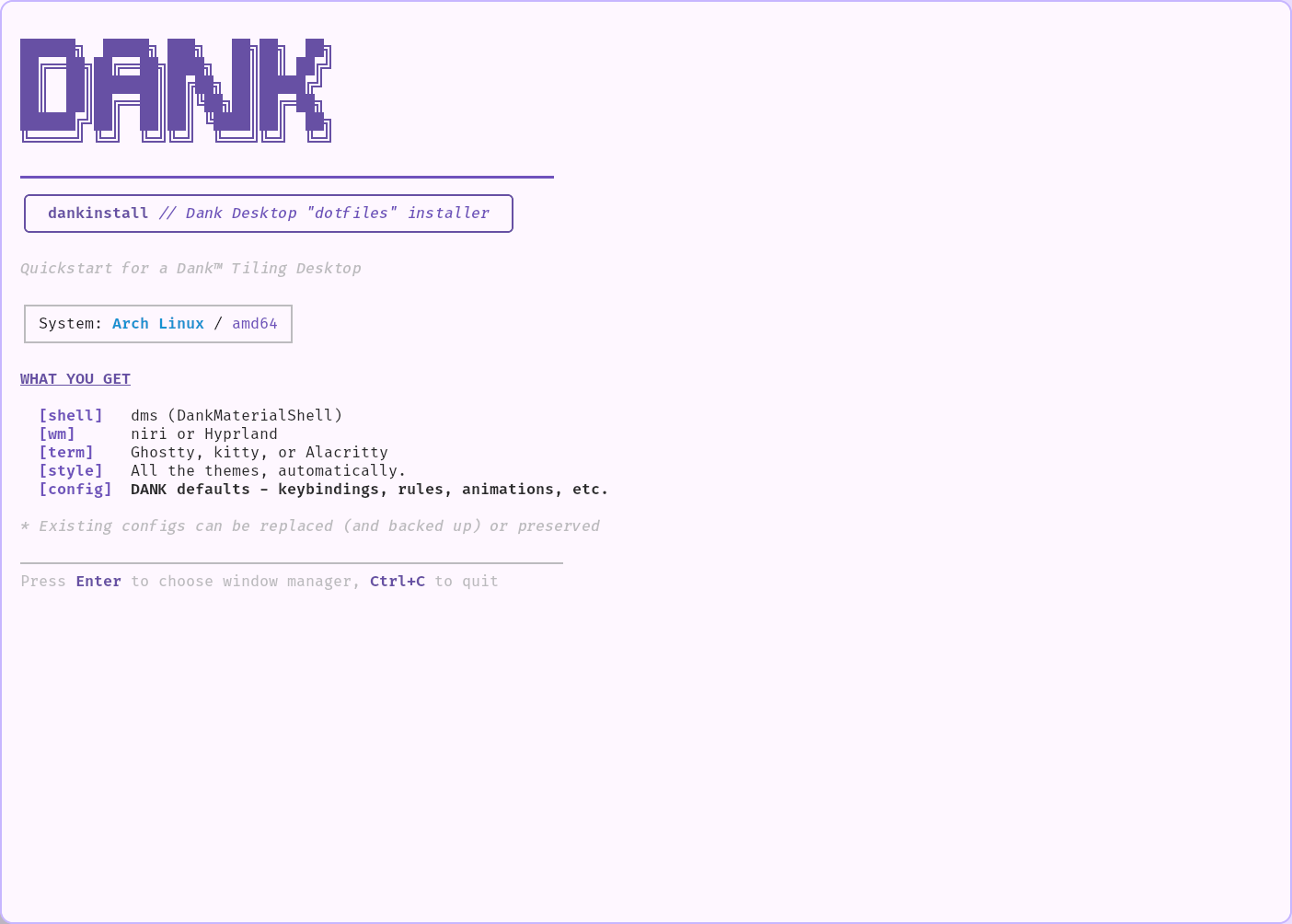
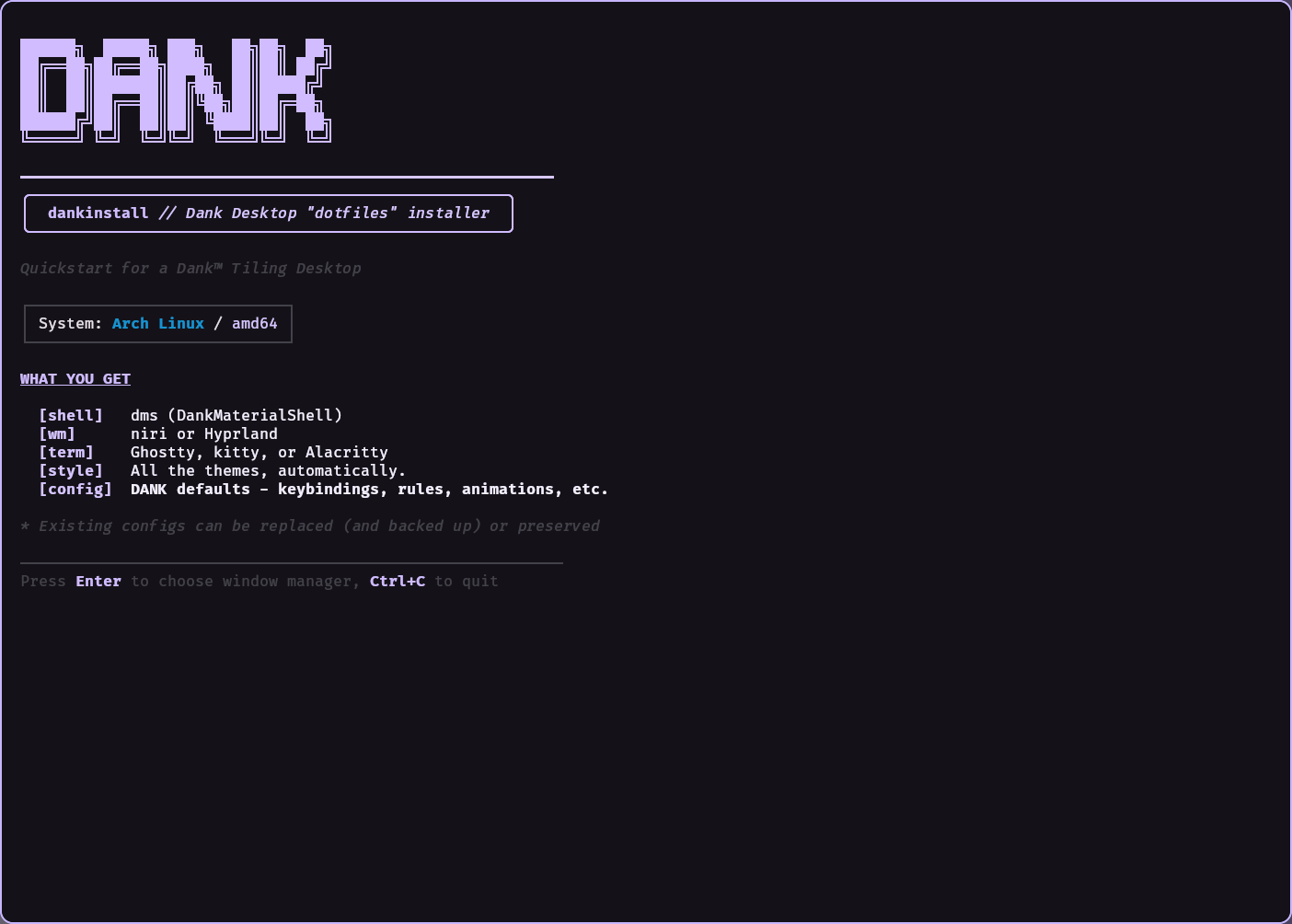
This will:
- Install all dependencies for your distribution
- Set up Dux Shell, dgop, dsearch, matugen, and other optional enrichments.
- Configure your chosen compositor (niri, Hyprland) and terminal (Ghostty, Kitty, Alacritty)
The installer adds the appropriate repository (AUR, COPR, OBS, or PPA) for your distro—updates are managed through your normal package manager afterwards. If you install DMS directly from packages, run dms setup to generate starter compositor and terminal configs (niri/Hyprland only). You can also deploy individual configs like dms setup binds or dms setup colors. Other compositors like sway, MangoWC, labwc, and Miracle WM are supported—see manual configuration.
Manual Installation
Manual installation is also supported, and simple. See the installation section for each component:
Getting Help
- Documentation: Browse these docs for detailed guides
- GitHub: Report issues at Dux Shell
- Discord:
Dux Shellhas a subsection on the niri discord server, keep relevant discussions in the relevant#dms-*channels.
Looking for a pre-configured immutable OS? Check out  Zirconium.