Compositor Blur
On compositors that support the ext-background-effect-v1 protocol (niri, Hyprland 0.56+, aqueous), DMS can ask the compositor to blur whatever sits behind its surfaces, bars, popouts, modals, notifications, and DMS's floating windows (Settings, Notepad, Process List, and friends).
Enabling
Toggle Background blur under Settings → Interface style → Surfaces.
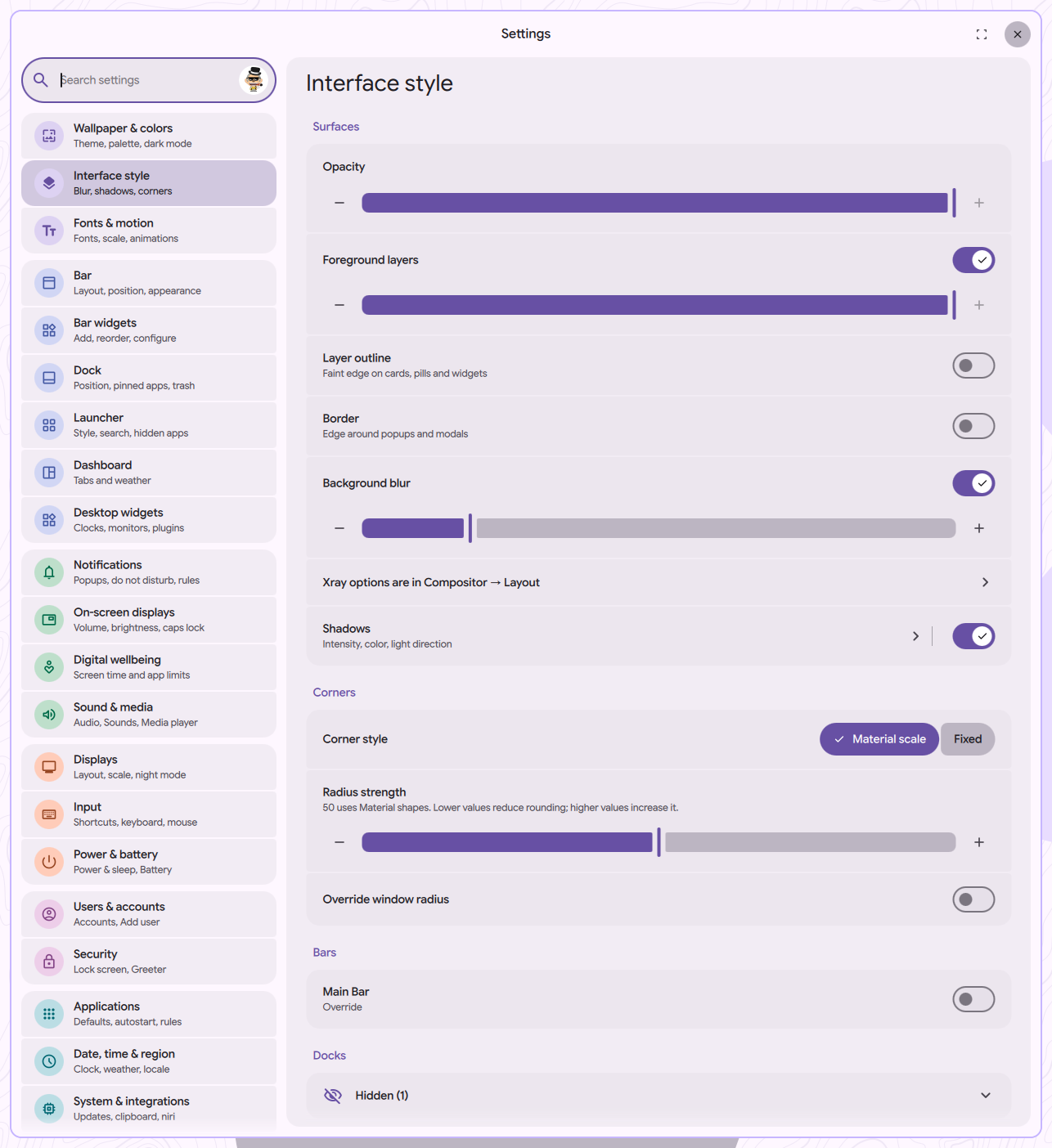
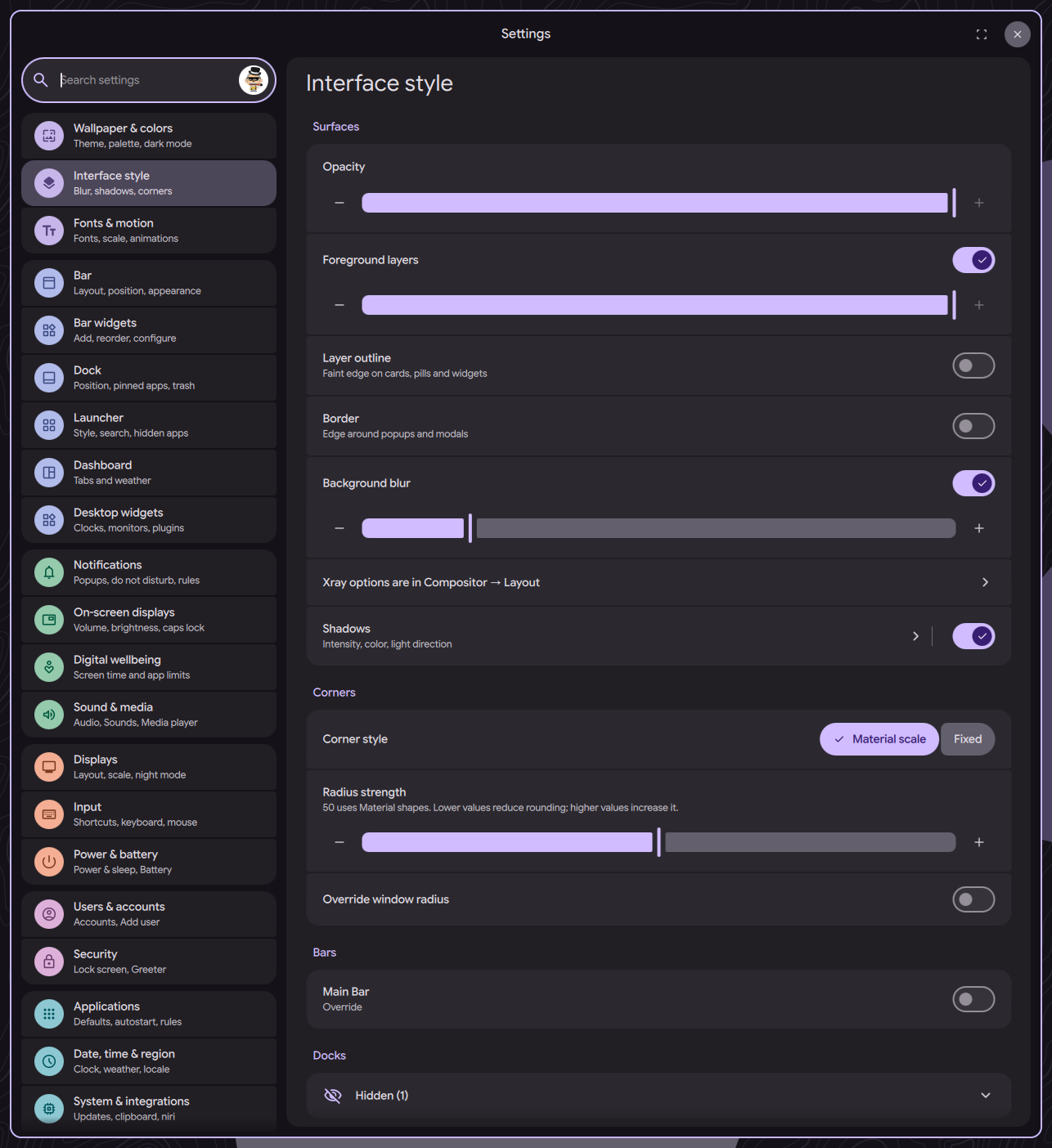
This requires compositor support. If your compositor doesn't implement ext-background-effect-v1, the Background blur row is hidden and a note on the Surfaces page says so.
Hyprland 0.55 and older, and MangoWC, don't support the protocol. On those you can still blur DMS surfaces with compositor-side layer rules. See Layer Namespaces for per-namespace blur examples.
Blur Strength
The Blur strength slider sits directly under Background blur and is shown on every compositor that supports the protocol. It sets how far the blur reaches, in logical pixels, and DMS translates that into each compositor's own options:
| Compositor | What DMS writes | Default |
|---|---|---|
| niri | a global blur { offset; passes } block in ~/.config/niri/dms/layout.kdl | niri's own defaults (about 42px), nothing written |
| Hyprland | decoration:blur:size and passes in ~/.config/hypr/dms/layout.lua | passes = 2 |
| aqueous | blur.radius through the aqueous-config apply contract | the packaged wm.toml radius, nothing written |
Hyprland's own default (size 8, 1 pass) only reaches about 16px and looks like plain transparency, so DMS sets 2 passes, which is close to niri.
These are global compositor options. Changing the slider changes the blur of every window on that compositor, not just the shell.
Use the slider instead of hand-editing size/passes; DMS rewrites dms/layout.lua whenever a setting changes. To try a value live on Hyprland, use hyprctl eval (0.55+), for example hyprctl eval 'hl.config({ decoration = { blur = { passes = 3 } } })', or edit and hyprctl reload. hyprctl keyword is removed on Hyprland main.
Hyprland Blur Styles
On Hyprland main (the future 0.57), Settings → System & integrations → Hyprland → Visual effects has a Blur dropdown with these styles: Default, Frost, Ripple, Drops, Water, Fluid jar, Prism, Heat shimmer, Acrylic, Aurora, and Haze. Some styles show their own sliders:
| Style | Sliders |
|---|---|
| Ripple, Water | Refraction |
| Acrylic | Clarity |
| Aurora | Intensity, Speed (0 stops the animation) |
| Haze | Intensity, Iridescence |
Picking a style other than Default also turns Hyprland blur on (decoration:blur:enabled), since a disabled blur would hide it. Styles other than Default use more GPU, and animated ones far more. Water and Ripple only react to clicks and drags; with Water, each click keeps blurred surfaces redrawing for about 12 seconds.
The dropdown is hidden on Hyprland releases that don't have decoration:blur:variant. See Compositor settings (Hyprland) for the rest of the card.
Making It Visible
Blur only shows through transparent pixels. Lower the opacity on the surfaces you want to see through. You can change this in Interface style → Surfaces → Opacity for shell surfaces and popouts, or Interface style → Floating windows (turn on Override, then Opacity) for DMS's floating windows. Fully opaque surfaces will look the same as before.
Blur Border
Surfaces with rounded corners can look a little rough along the edge where the blur meets the radius. The Border toggle under Interface style → Surfaces paints a subtle outline that smooths out those edges, with its own opacity slider and color menu. DMS turns it on the first time you enable Background blur; it's recommended if you're using any corner rounding.