Modern Desktopfor niri
 Hyprland
 MangoWC
 Sway
 labwc
 Miracle
 AqueousWayland


See it in action
Beautiful, functional, and ready to use
Dux Shell in Action
Experience the fluid interface and beautiful animations
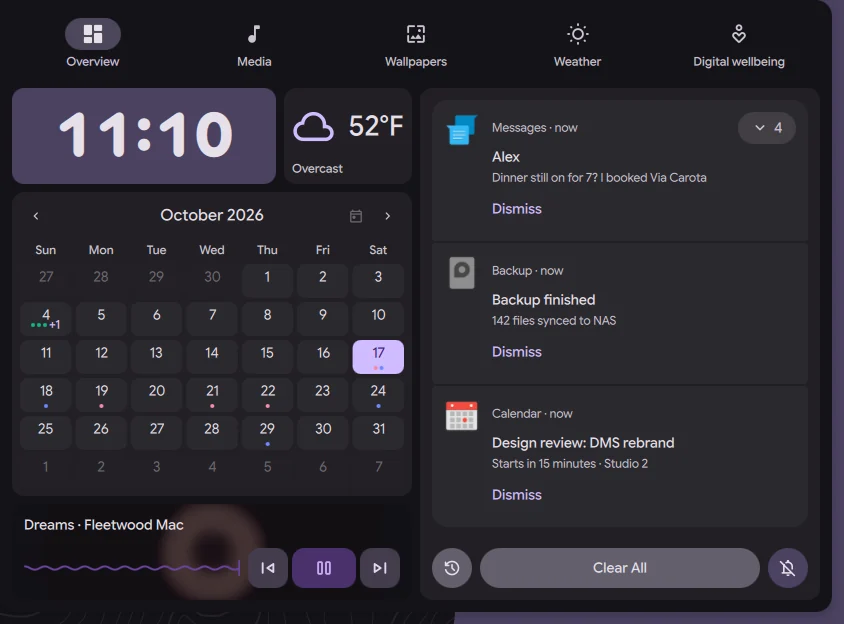
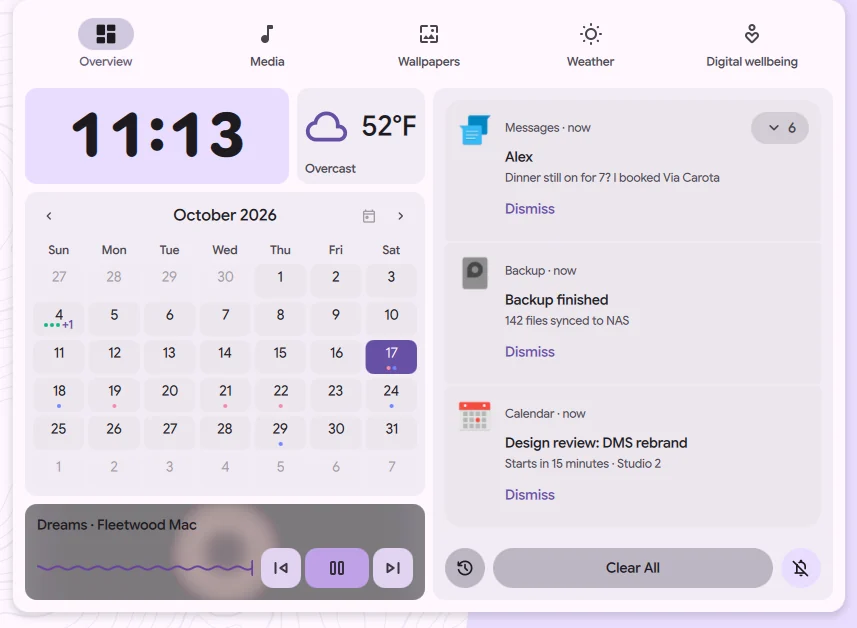
Dux Dash
Media controls, weather, calendar, and system info at a glance
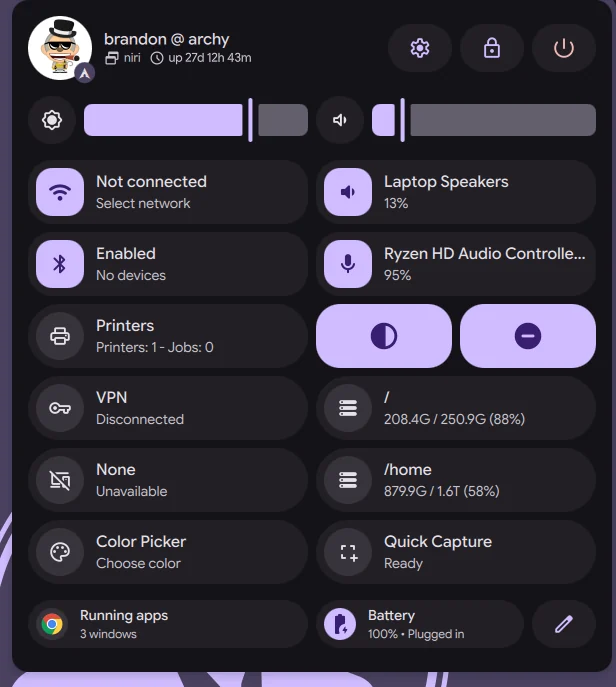
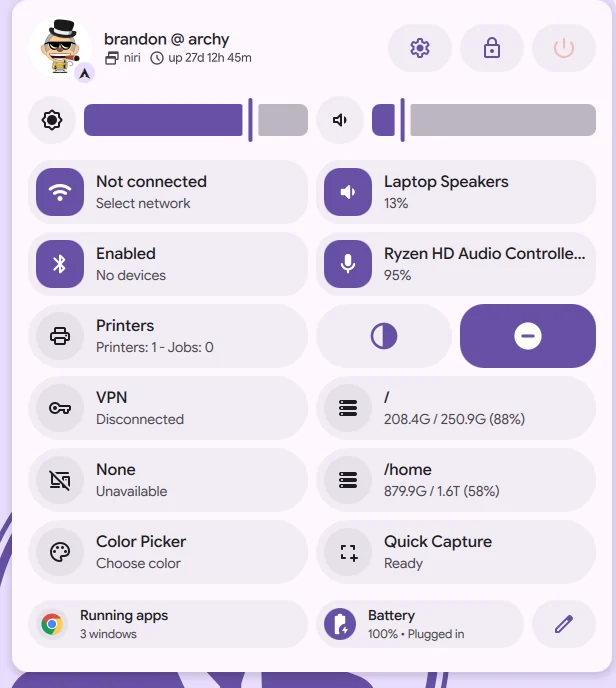
Quick Settings
Effortlessly control your audio, displays, network, and bluetooth
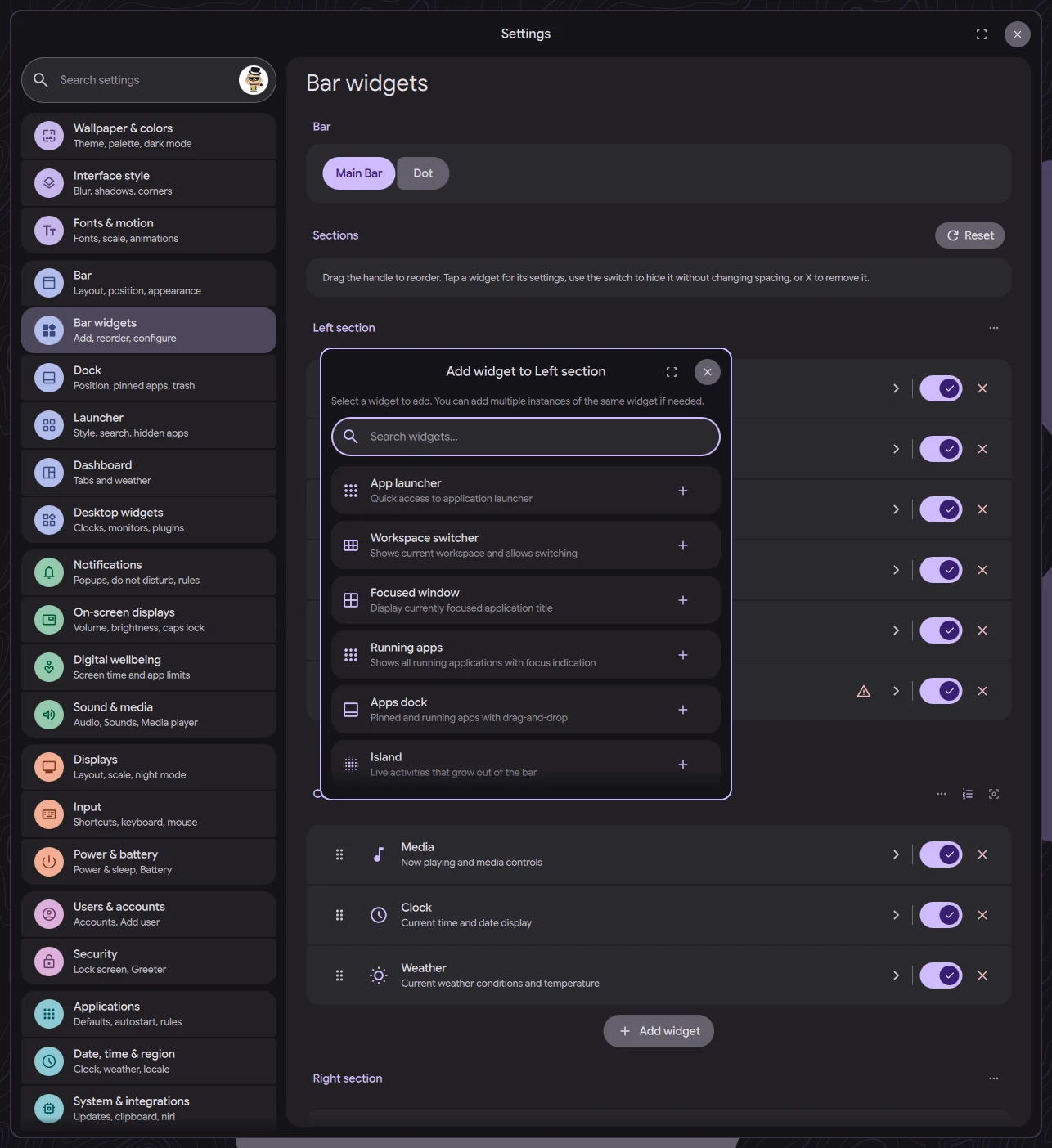
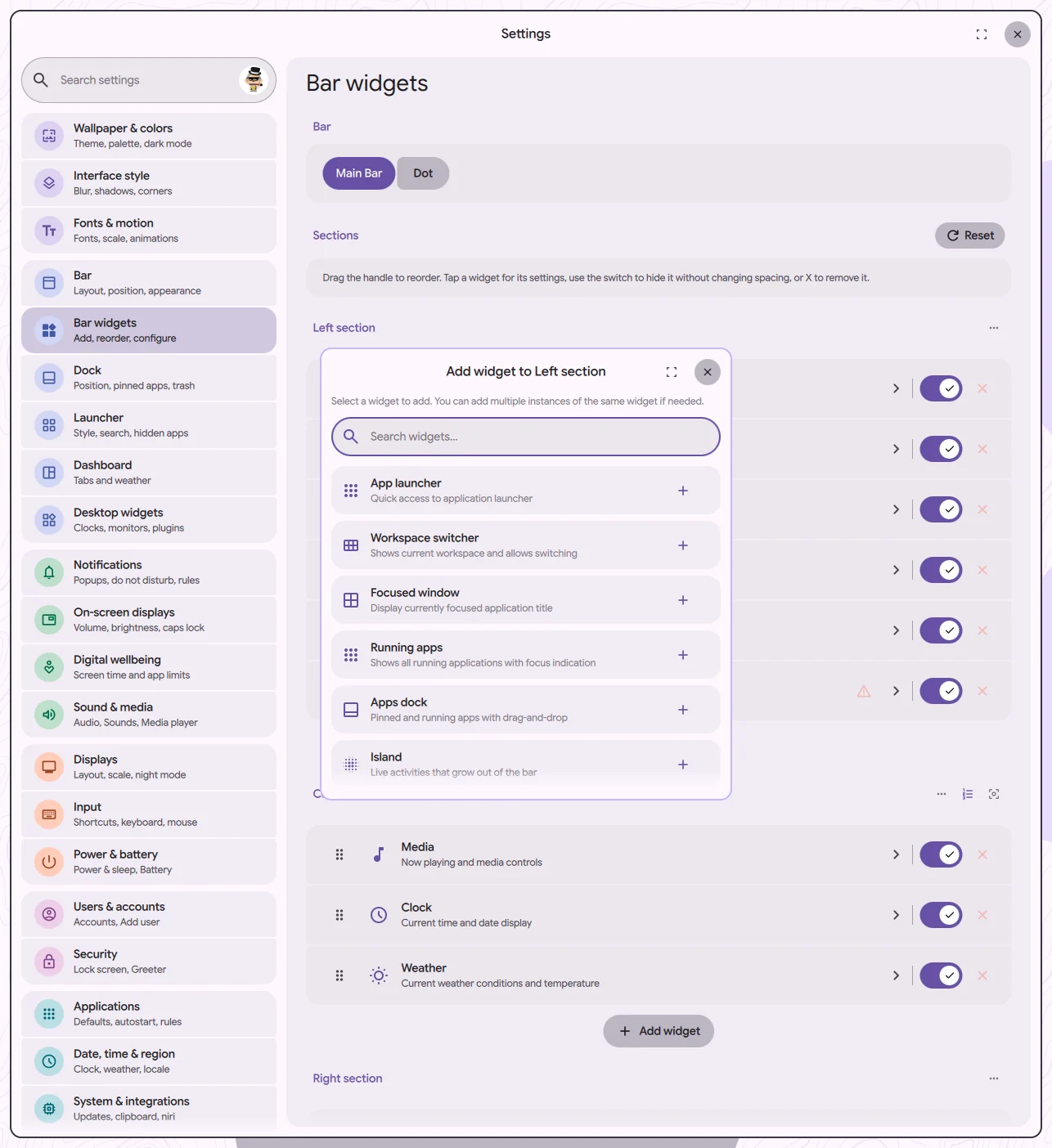
Widget Customization
Personalize your desktop experience
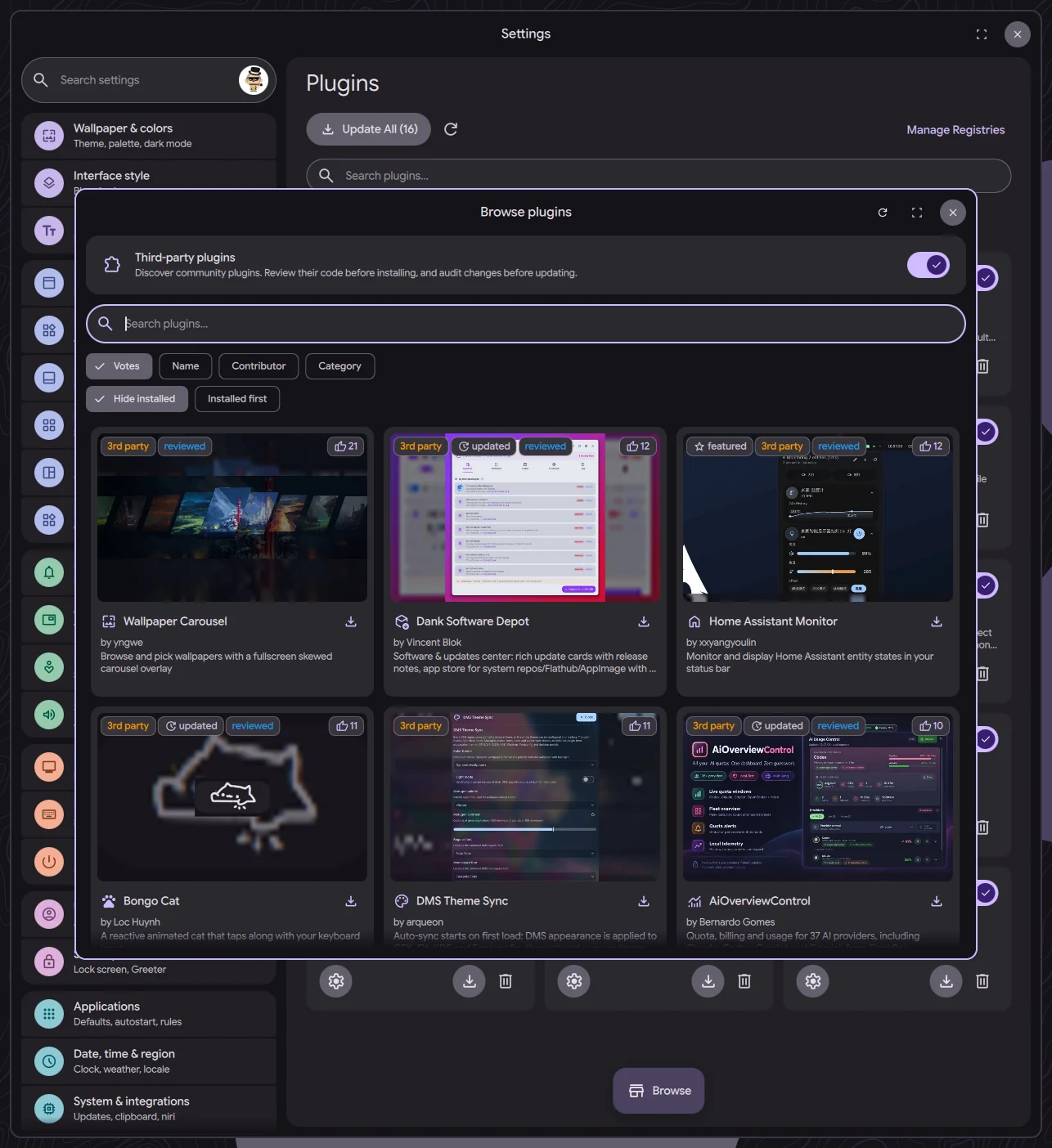
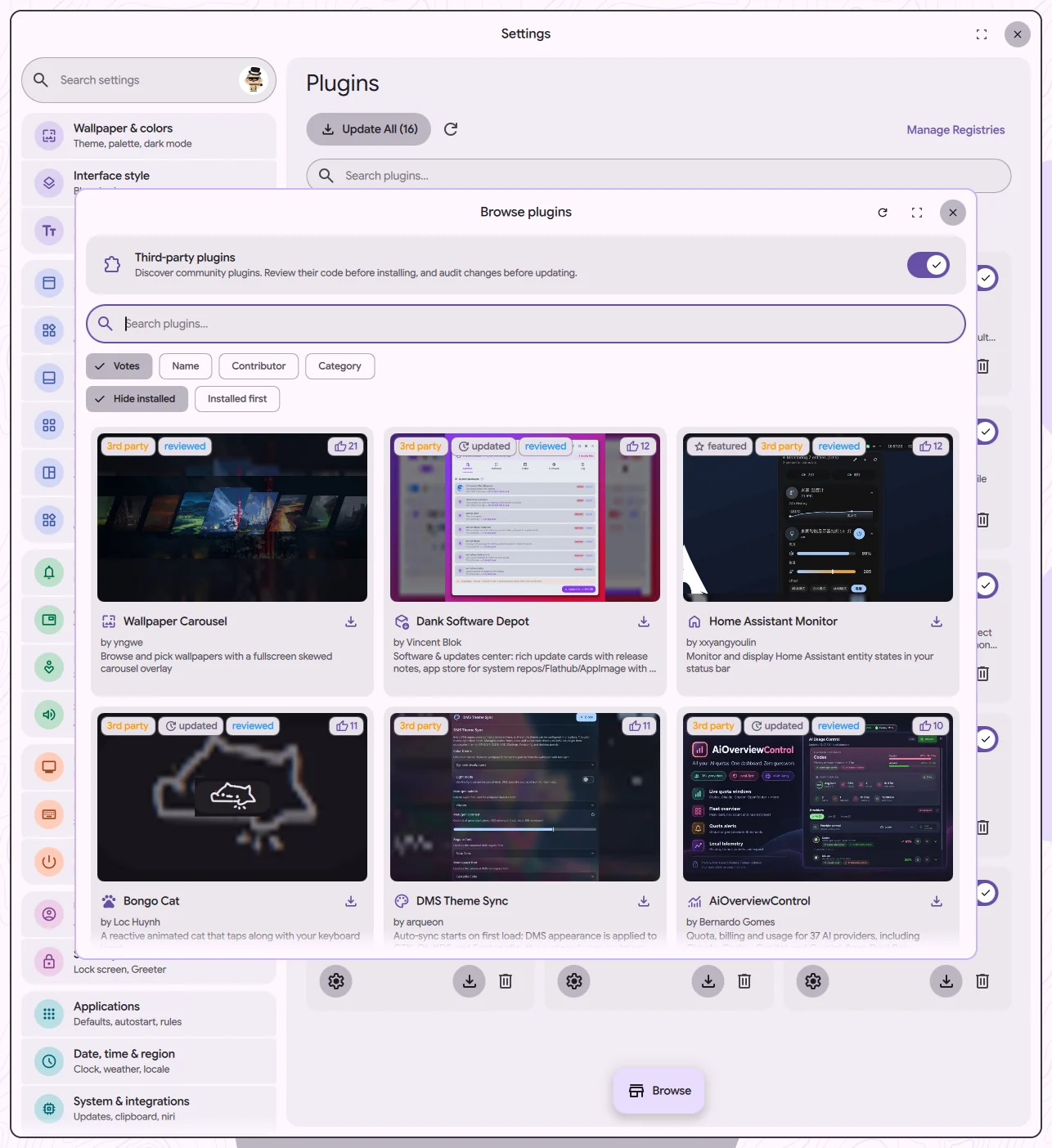
Plugins
Extend functionality with new widgets, launcher features, and more.
Everything you need
A complete desktop experience, out of the box
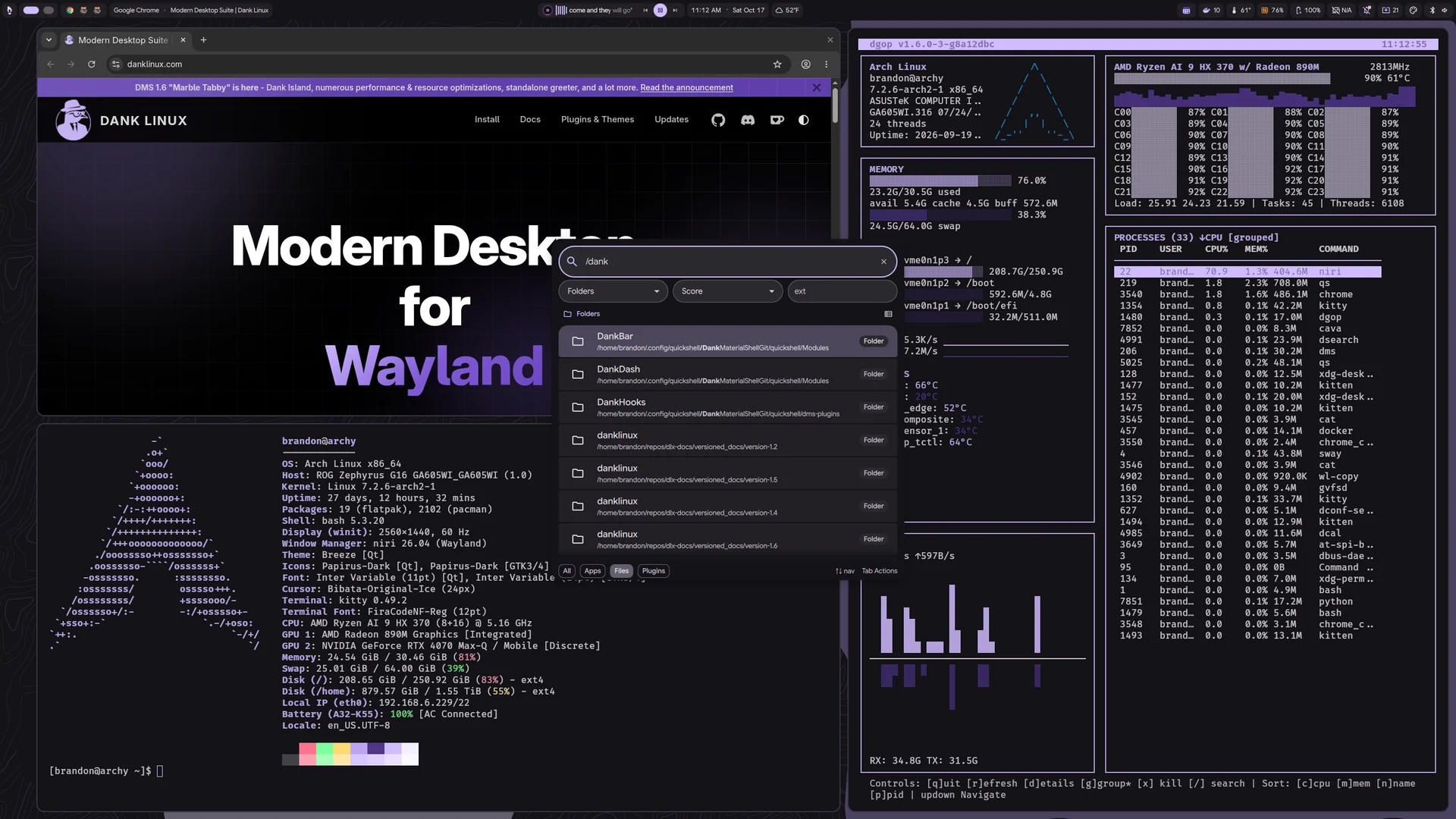
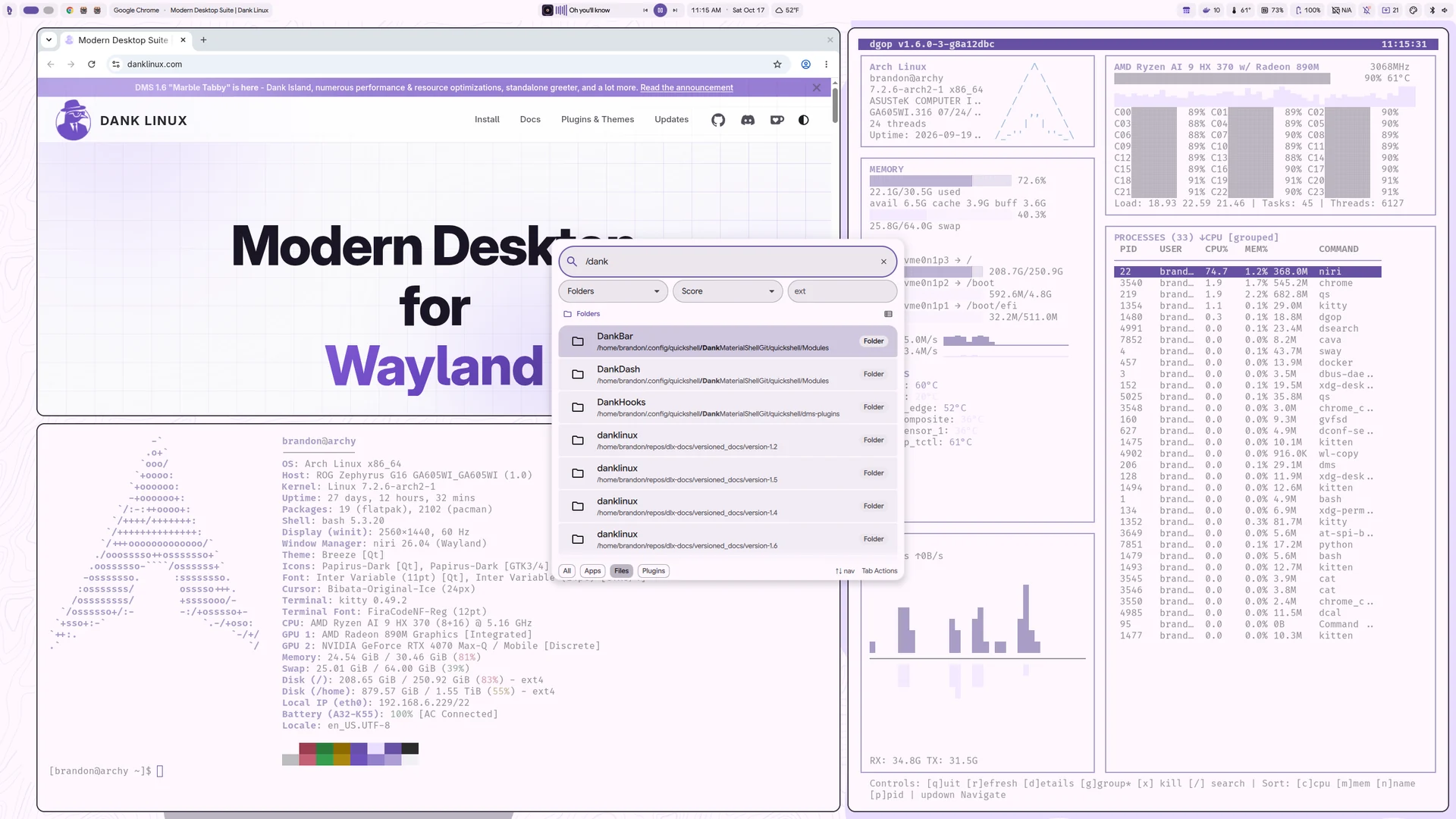
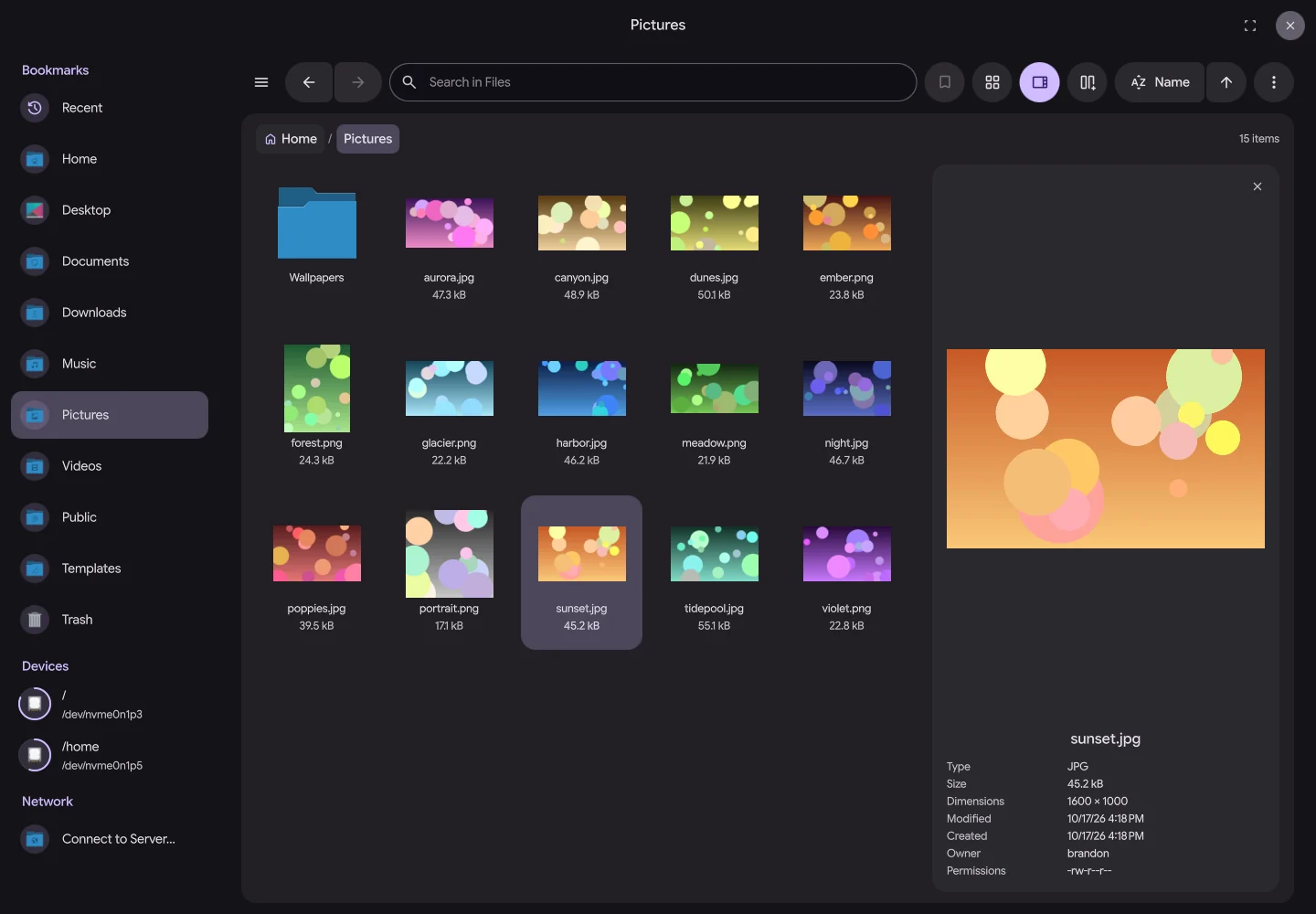
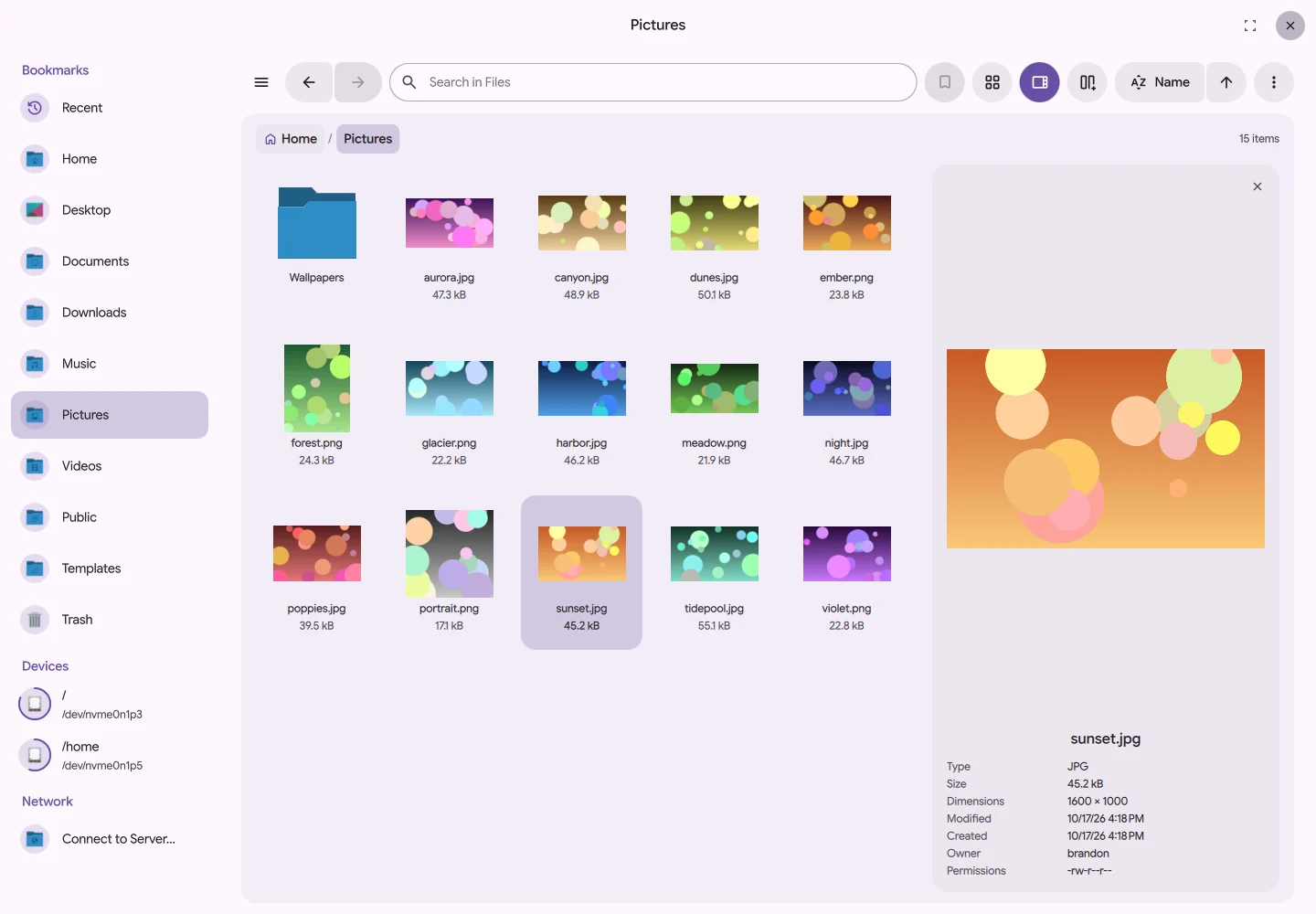
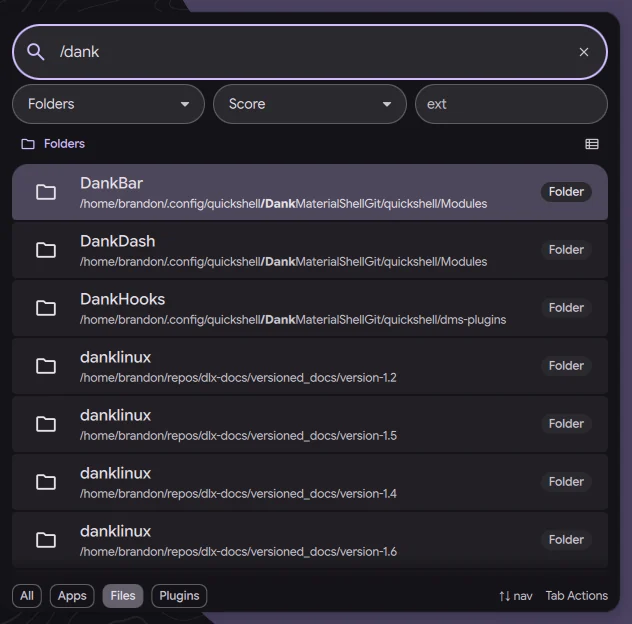
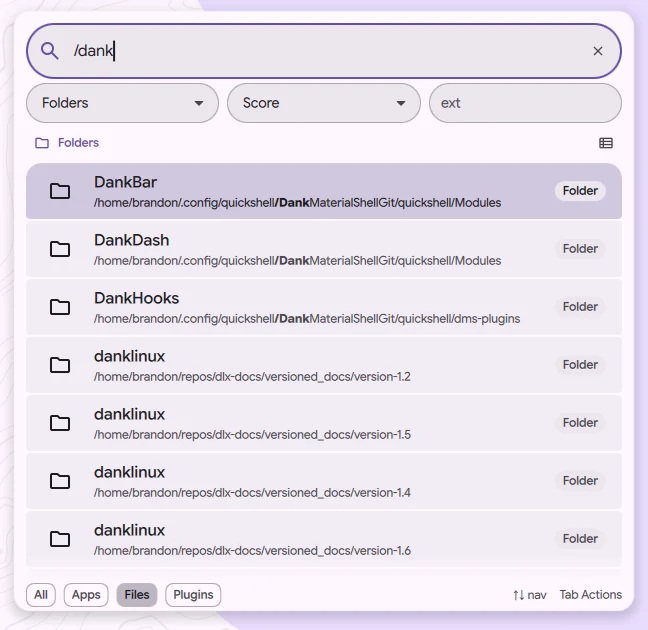
Dux Files
A fast, keyboard-first file manager with tabs, split view, search, trash, devices, and network shares.
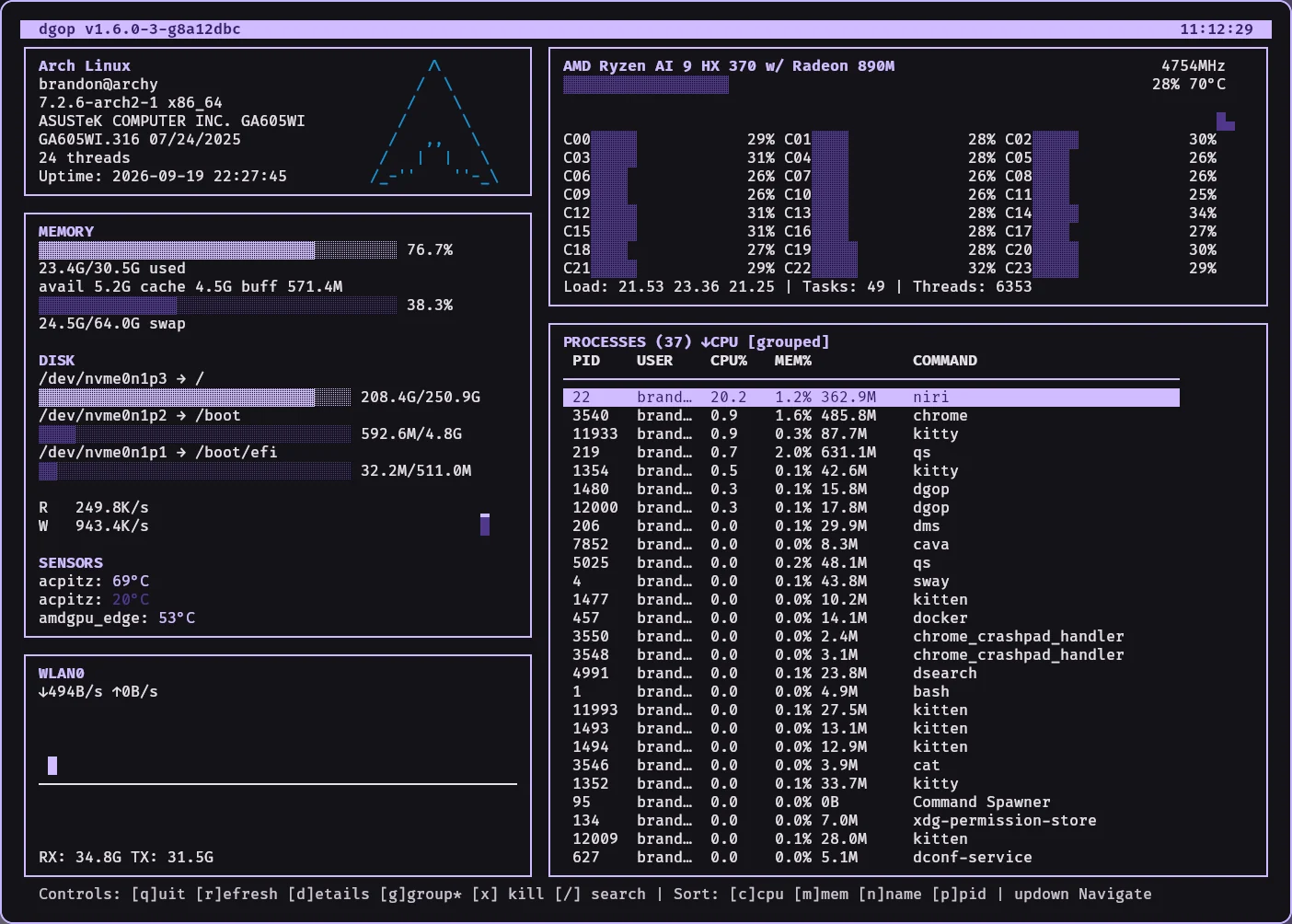
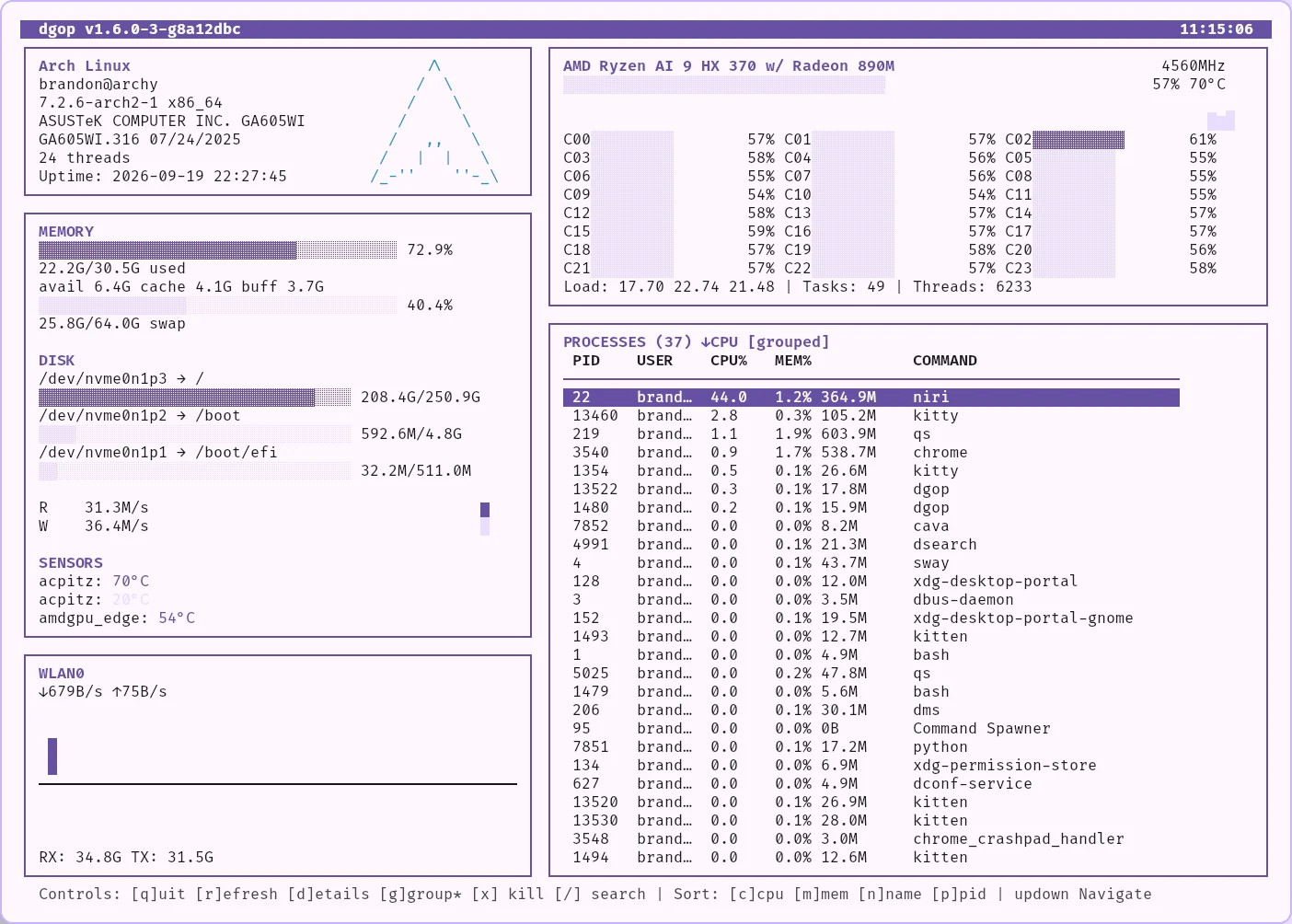
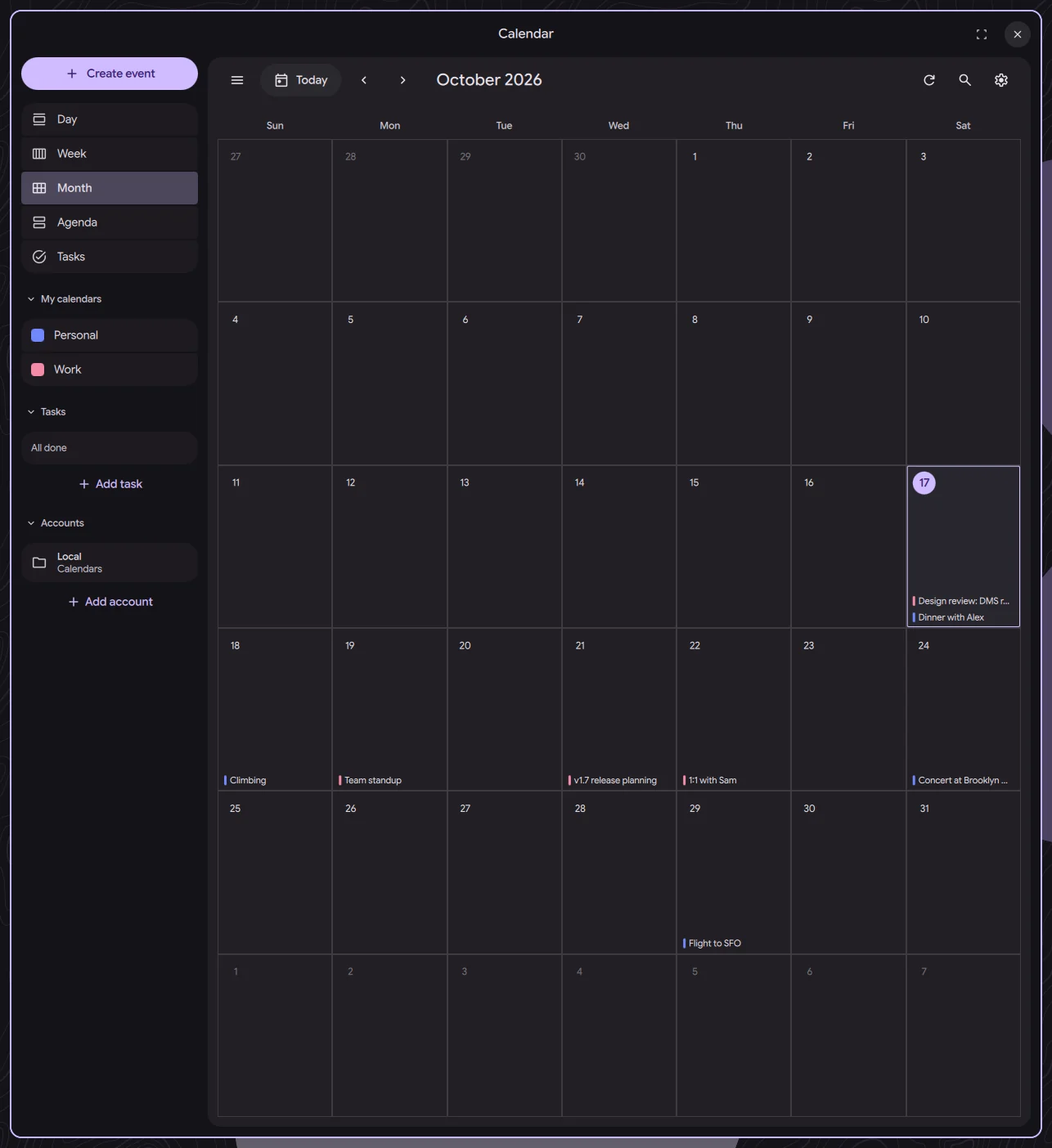
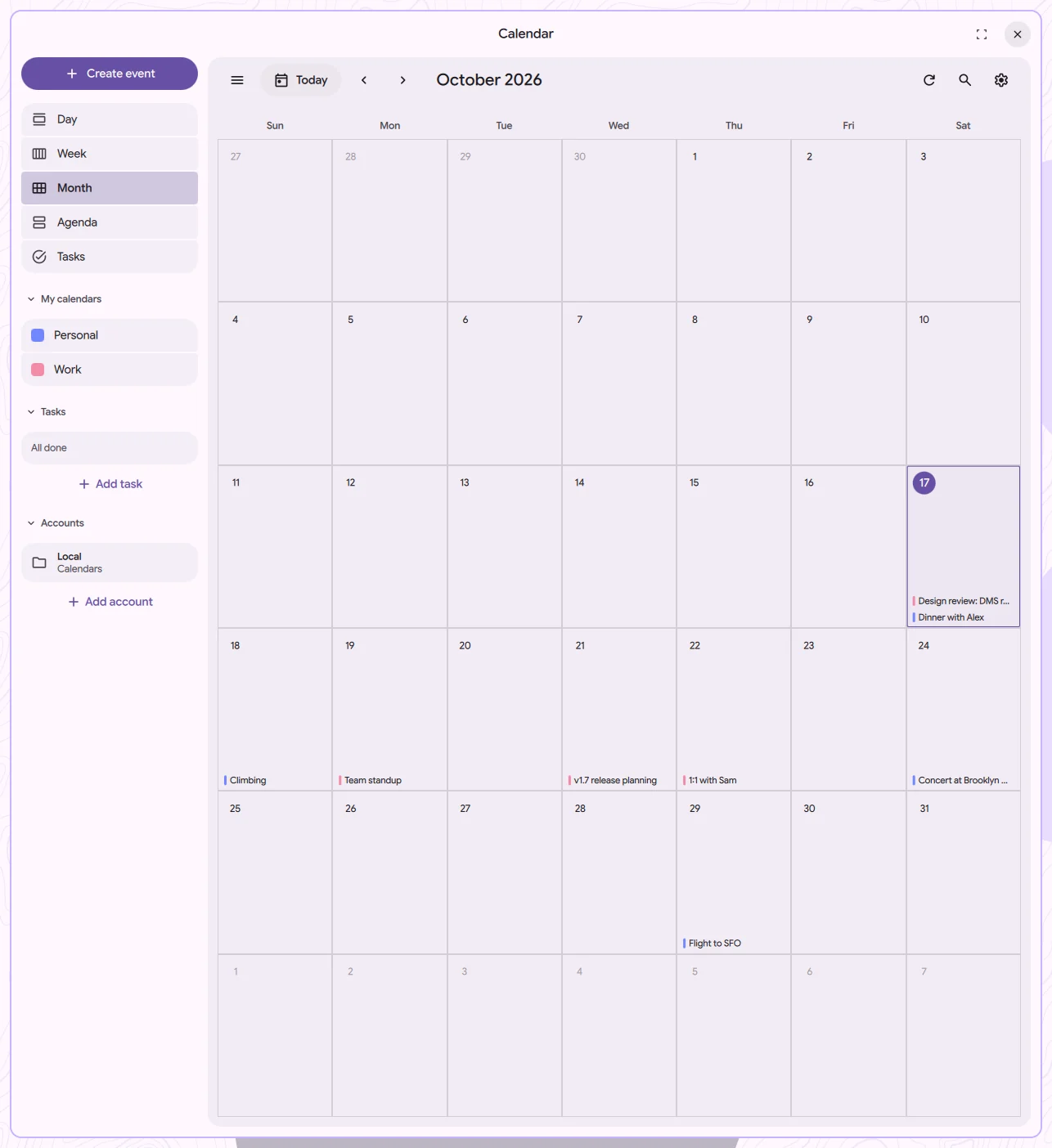
Dux Calendar
Your calendars, events, and tasks together, with Google, Microsoft, CalDAV, and iCloud support.
One theme.
Across your apps.
Dux Shell automatically generates matching colors for supported GTK and Qt apps, terminals, editors, and more.
Our custom dank16 algorithm builds a full 16-color palette for terminals and syntax highlighting, with contrast tuned for light and dark themes.
- GTK3, GTK4, and Qt
- Terminal and editor color schemes
- Light and dark modes
Backed by our sponsors and 115+ Ko-fi supporters
Meet our sponsorsBuilt in the open by our contributors
Meet our contributorsFree and open source.
Kept going by you.
Dux Shell costs nothing to use. If it has earned a spot on your desktop, a tip helps cover the time and infrastructure that keep releases coming.