Dux Labs
Dux Icons
Dux Icons
Dux Icons is a generated icon theme that follows your colors. It puts each app's own icon on a Material badge, draws folders and file types itself, and paints all of it from your current Material colors. Change the wallpaper and the icons change with it.
It is built for Dux Modular Shell, and works on any freedesktop desktop.
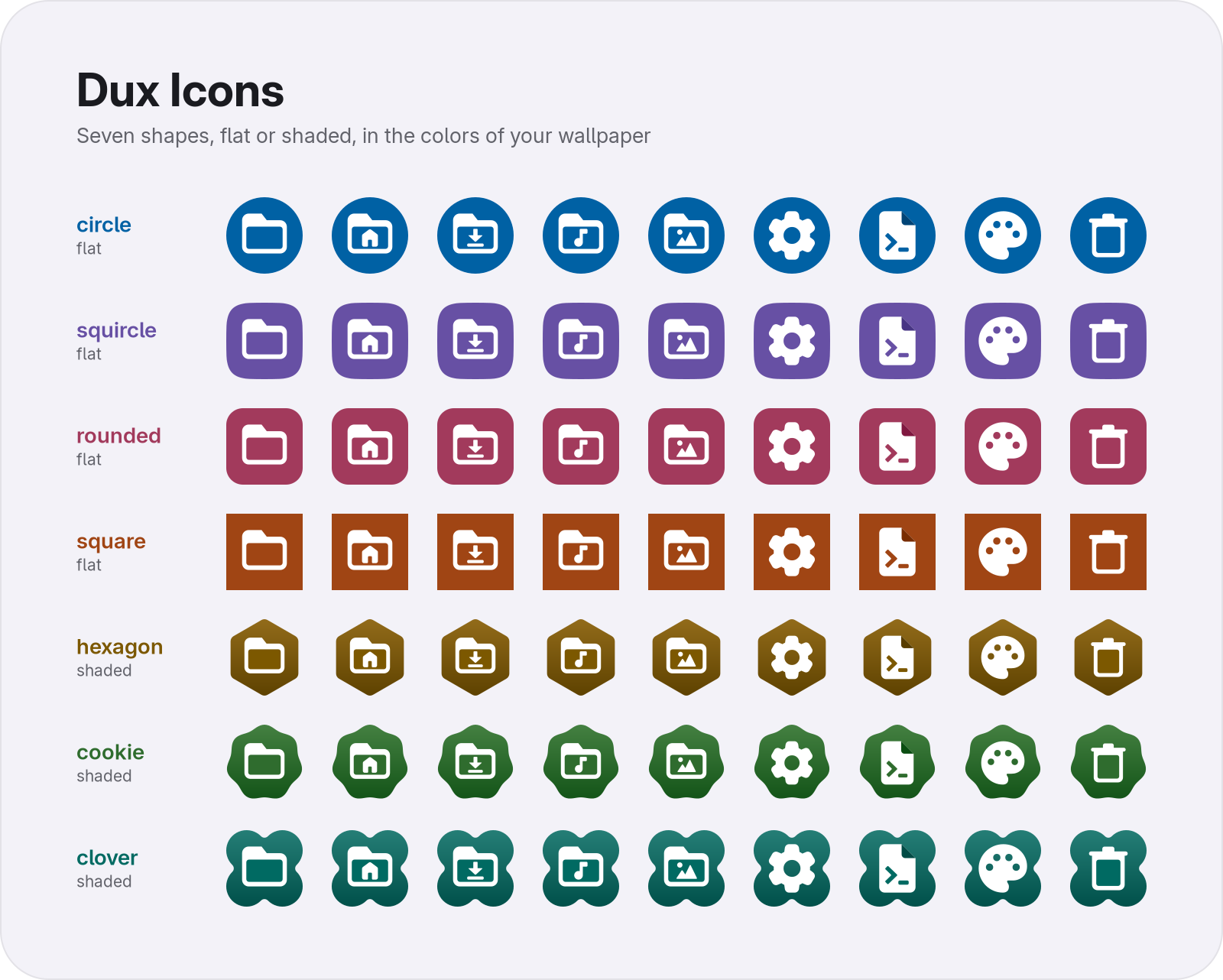
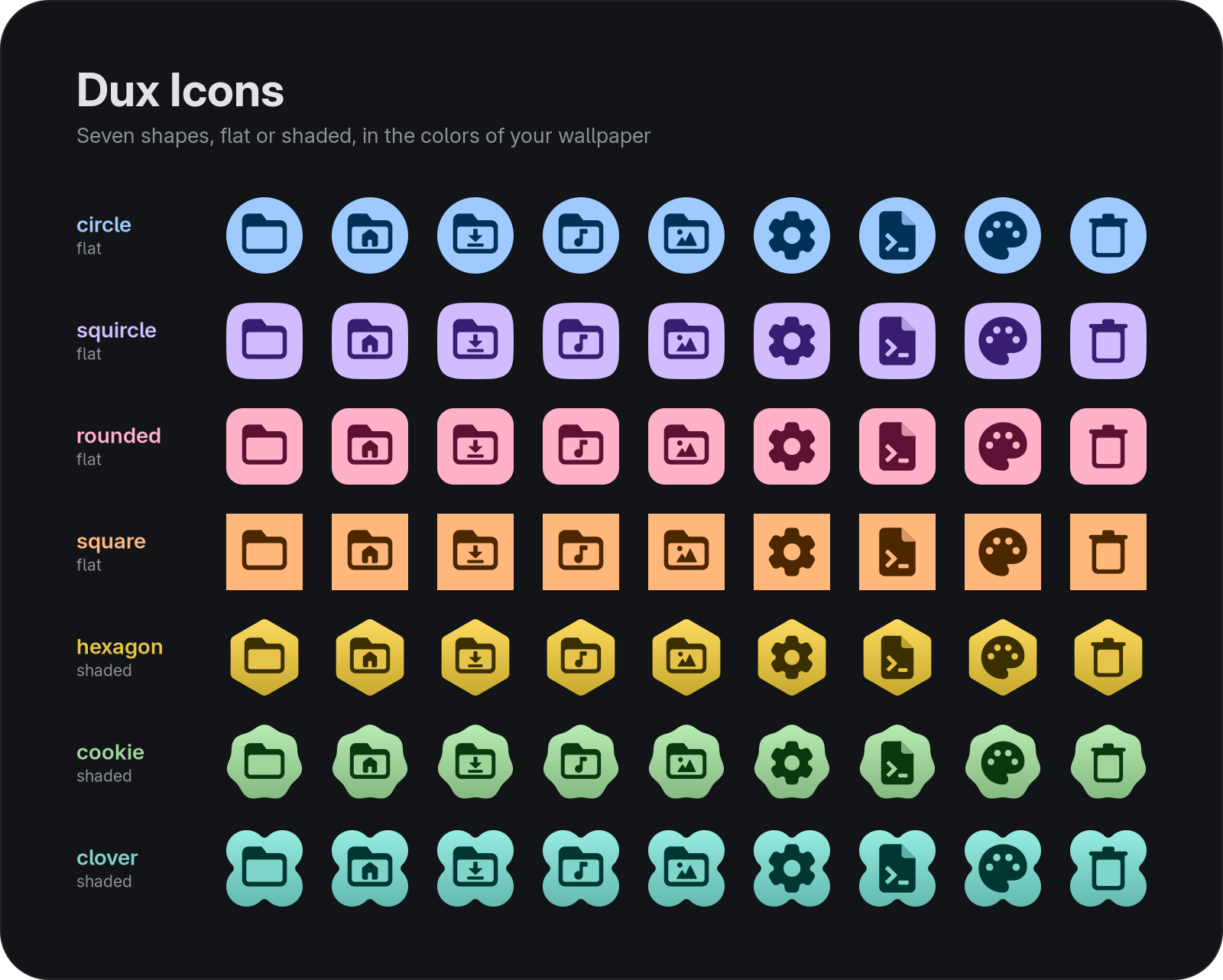
It is a generator, not a hand-drawn app set. Your apps keep the artwork their authors shipped, and Dux Icons supplies the frame and the color.
Features
- Your Apps, One Shape: Every installed app with a
.desktopentry gets its own icon framed on the same badge. Nothing is redrawn, so a new app looks right the day you install it. - Follows Your Theme: Badge, folders and file types take Material
primaryandon_primary. With DMS they repaint on every wallpaper or theme change. Without DMS you pass the colors yourself. - Folders and File Types: Folders, the home and XDG user folders, trash, network places and the common file types are drawn for the theme and use the same colors.
- Seven Badge Shapes: Circle, squircle, rounded, square, hexagon, cookie and clover, flat or with a soft gradient.
- Monochrome Mode: Paint app icons in tones of your theme colors instead of keeping their own.
- A Normal Icon Theme: The output is a standard freedesktop theme of scalable SVGs. GTK, Qt and KDE apps can all use it, and any name it does not provide falls back to
hicolor. - Safe Builds: Each run replaces the previous theme in one step, so nothing is ever half written. The build only writes to a directory it created itself.
Documentation
- Installation - Install the
dux-iconscommand, with or without DMS - Usage - Commands, options, badge shapes and how the build works
To match the folders of other icon themes (Papirus, Breeze, Adwaita, Tela, Colloid) to your colors, see Icon Theming in the DMS docs. That is a DMS feature and does not need Dux Icons.
Contributing
Dux Icons is open source and welcomes contributions:
- Source Code: GitHub Repository
- Issues: Report bugs and request features on GitHub
License
Dux Icons is released under the MIT License. See the LICENSE file for details. Type marks on folders and file types are adapted from Material Symbols, Apache-2.0.